
Weekend Watch: Nokia Lumia 710 Voice Recognition
Advertisements
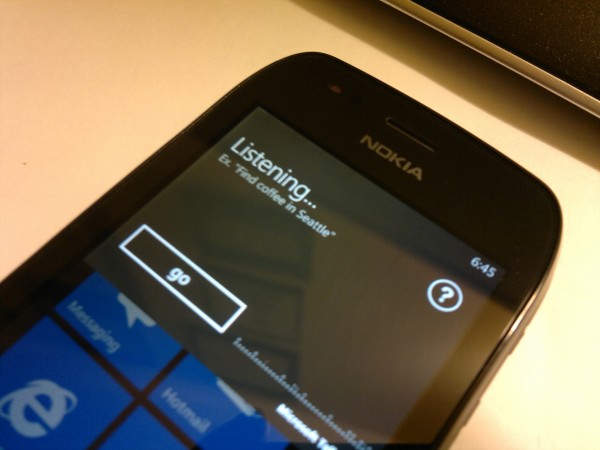
The Nokia Lumia 710 has system wide Voice Recognition that is powered by Bing Voice. This video demonstrates just a few of the many uses for voice recognition, from getting directions, application launching, and speech to text messaging. The system isn’t flawless as it sometimes does not recognize my voice or start the recognition when initiated, as you will see during the video. Regardless, it is a great VR system and as always, there is room for improvement.
Thank you for watching and I hope that everyone is having a great weekend!
Advertisements
Category: Nokia, Windows Phone

About the Author (Author Profile)
Good day everyone! My name is Demitrius Harris and I am a fan of all things true. I currently hold a position in the IT Department at a college and I teach various classes when the opportunity presents itself. In the past, I was a Special Education Teacher and a Technology Education teacher at an elementary school and have held titles in the Financial industry. What does that mean for you, our dear readers? It means that I love to write and communicate as accurately as possible! It is my hope, that I will always be able to provide factual information concerning all things related to Nokia (even when the Nokia brand isn't printed) and anything else in the scope of technology that fits within the purpose of MyNokiaBlog. I humbly thank you all for reading my posts (and the MNB Team) that sometimes contain THOUSANDS of words. You all are the best and most respectful blog supporters in the world! Thank you for choosing MyNokiaBlog.com! Sincerely, Demitrius Harris. Favorite phone of all time: Nokia N82 - BlackSubscribe
If you enjoyed this article, subscribe to receive more just like it.


Connect
Connect with us on the following social media platforms.