
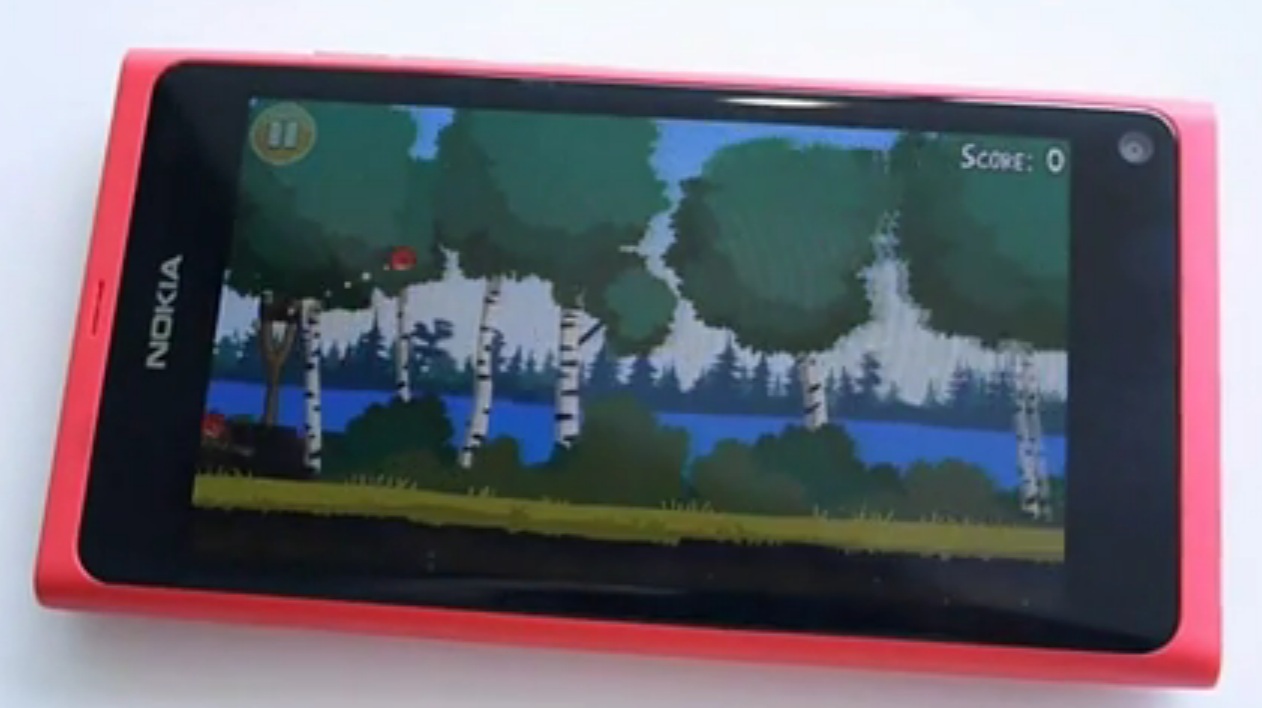
Video: Angry Birds on the Nokia N9 (AND another huge Nokia N9 hands on gallery)
| June 22, 2011 | 44 Replies


Chris Davies from Slashgear has a Nokia N9 to play with (not sure what press event) and has posted his hands on. In this you’ll find a huge gallery of the pink, blue and black N9 as well as a hands on video demo.

http://www.slashgear.com/nokia-n9-hands-on-21160524/

In that demo, you’ll see Angry Birds out of the box ready on the MeeGo platform.

There’s other games installed too:
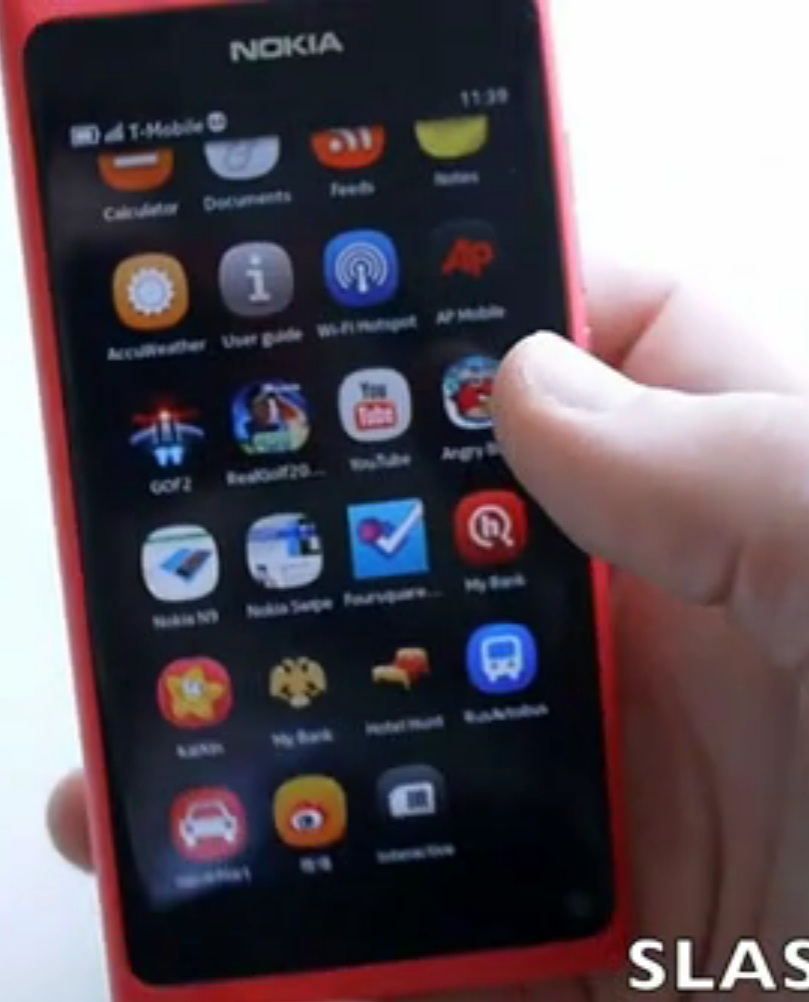
As you can see in the video, Chris tries out to see if landscape is supported but it’s a little limited (quite the mirror of early N900 that did only landscape and no portrait – unless induced by a bug). When it is present, you’ll be greeted by a pleasant rotation animation.

Browser’s very cool and all…what happened to Flash though?

The multitasking gesture makes multitasking so easy. No longpress or double tap, just swipe and bang you’re multitasking these windows.
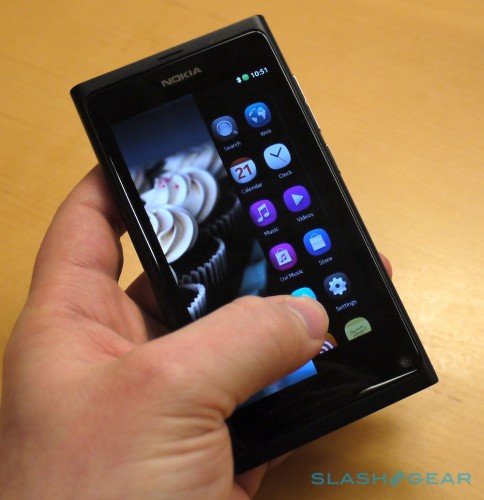
Also check out Chris’ gallery. http://www.slashgear.com/nokia-n9-hands-on-21160524/

It may help you decide which colour you most prefer for our poll: Black, Blue or Pink?
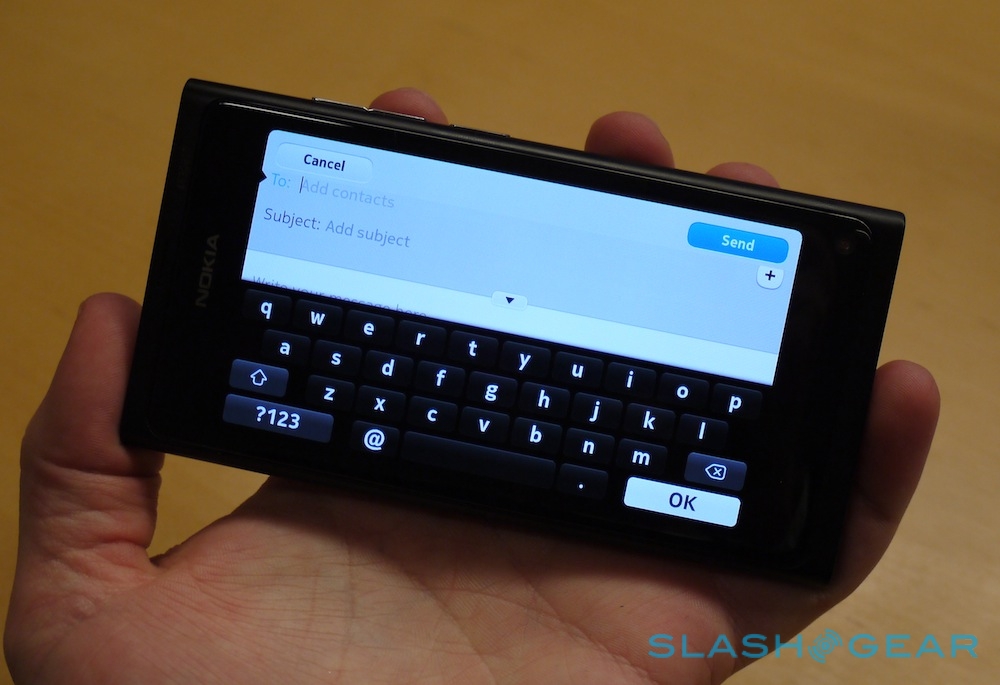
www.slashgear.com via http://mobilesguruji. Cheers for the tip, Ricky!


Category: Applications, Games, Maemo, MeeGo, Nokia

About the Author ()

Hey, thanks for reading my post. My name is Jay and I'm a medical student at the University of Manchester. When I can, I blog here at mynokiablog.com and tweet now and again @jaymontano. We also have a twitter and facebook accounts @mynokiablog and facebook.com/MyNokiaBlog. Contact us at tips(@)mynokiablog.com or email me directly on jay[at]mynokiablog.com

Comments (44)

Trackback URL | Comments RSS Feed

  1. dsmobile says:

    funny that people seems to do be scared of swiping when they demo those phones. Beside you do not need to swipe out from the screen just edge where picture ends.

    Also I don’t know why they swipe from edge when going between the the 3 basic home screens. that you can just swipe from middle same as move in web page in browser.

    Those 3 pages are 1 big page actually like windows phone has. they just do not have any graphic design that makes those 3 home screens look like 1 area. :)

  2. jabbi says:

    there was an youtube icon, looks like an official youtube app for the n9!? btw what about flash support in the browser?

  3. dsmobile says:

    Only possible problem for people in this UI swipe gesture can be when they swipe content example web pages they can accidental swipe too near from end of the screen and swipe out the app instead of just scrolling web page.

    Mostly that is only problem from left/right than top/bottom as there is less surface area for finger and more likely to touch those pixels that will take it as “swipe away gesture”.

    • jabbi says:

      maybe the n9 has 4″ but only 3,9″ are visible/usable and the rest 0,1″ is there to prevent accidental swipes

      • dsmobile says:

        Finger is like 15mm wide. When you have screen for about 50cm wide from left to right and when you scroll web content it can happen. :)

        Anyway it’s not easy task to make that work and also have buttons near bottom side of the screen. I know I did play with first ones with swipe away gesture and well it was what it was first. :D

        I hope Nokia has made that code in their IP portfolio how the phone is reading the touch information between pixel information in screen. :)

  4. John H says:

    In that email/messaging screenshot, the button to add more recipients looks dangerously close to the send button.

  5. Markk117 says:

    we want to see a browser focus, if there is flash ecc…

  6. Hypnopottamus says:

    Strictly speaking of hardware and physical looks, this phone is sexy! There does seem to be noticeable lags in some areas though (I’ll forgive, though. Every OS has lags).

    I know I’ll get flamed for this, but I need to say this observation. Ever since Apple and Android have been out, one of the biggest complaints people have mentioned was the fact that the app menus aren’t organized. They’re just one huge (icon) list of everything on the phone. Meego appears to be exactly the same way, but I haven’t heard/read 1 complaint about that. Why the double standard? It appears that if another OS does it, it’s an unorganized mess. But if Nokia does it, no problem. I’ve noticed this in other areas as well (e.g. iOS’s lack of flash, but Opera is the way to go on Symbian). Flame away. But you can’t tell me I’m full of it.

    • jabbi says:

      yes sure, the lack of folder is a disadvantage. but its the very first version of meego/harmattan and i think we can expect this feature to be added by future fw updates. its not an THAT important feature if you ask me

      • Don says:

        On talk.maemo.com an N9 developer said they’re already working on folders for it, so it’s likely to be there once the N9 comes out.

        This guy actually, assuming he doesn’t get fired first for talking about something other than WP7: http://konttoristhoughts.blogspot.com/2011/06/respect.html

        Much respect to him!

        • Hypnopottamus says:

          Sounds cool. I don’t want to be a harbinger of bad news or sound negative, but I would caution people about the prospects of Meego going too far. The developers may say this is coming and that is coming, but I made the same mistake w/ Symbian^3, and I’m still waiting for the new browser and fixes for push email. More importantly, we KNOW how Nokia feels about Meego. They only consider it an “experimental” OS to see where the next “disruption” (whatever that means) will be. Just a friendly caution to those putting all their faith into Meego.

          • Don says:

            True. I wouldn’t have recommended the N8 end of 2010 to my friends if I had known it would be THIS bad with the updates.

            I guess what I meant is that it least does not seem to be a random manager deciding any kind of icon management is not “pure” enough (perhaps same guy who thinks homescreen swiping in S^3 should not follow finger :)

  7. HaugMedia says:

    Anyone know if you hold down the A or O on the QWERTY you get options of Æ, Ø and Å?
    Because need that in my stupid native language…

    • dsmobile says:

      You can swipe from english keyboard to your own language if its included in that harmattan language list. Actually you can all languages they have and swipe between keyboard to keyboard what ever language you need. if you only select one then there is no swipe between keyboards.

      I am not sure about long press functions in that keyboard. Can’t remember as I have no use for that feature when typing.

      • HaugMedia says:

        Well, if you ever touch the N9 again.
        Could you tell me if Norwegian is listed? :)

        • dsmobile says:

          Can’t really remember what languages there is and I would think that is something that will change as long as they get localisation done.

          I would think there was all Scandinavian languages.

  8. Swede says:

    There’s no need to hold down either A or O because it will support your native language in both menues and on the keyboard.

  9. Harangue says:

    I’m surprised to see a decent QWERTY keypad (landscape and portrait) in this. Hopefully the reason of delaying Anna is to incorporate the MeeGo QWERTY style into it.

  10. Cod3rror says:

    MeeGo is starting to look more and more basic.

    Can you play video in the background?

    Why don’t the music player or the video rotate?

    • HaugMedia says:

      Why do I want to play videos in the background?

      Who uses music player in landscape anyway or see videos in portrait?

      • Cod3rror says:

        Maybe you want to listen to the news, don’t need or want to watch the video, just listen to the audio.

        As for the music and video, maybe you don’t want to constantly rotation the phone around?

        iOS does both of the above.

        • Hypnopottamus says:

          As does Android and I’m pretty sure RIM is the same way.

        • Hexpoll says:

          With Maemo, you could get a different media player that would play video in the background. I’m guessing that it will be the same with this phone. There is, as always, a balance between “power user” features and the KISS philosophy for most people.

          The great thing about a linux distro is that it will be very hackable, so power users can go to town. I believe that Nokia has been wise to make this UI so easy for the baseline. I’m sure that it will be days not weeks after release until there are hacks for:

          Right swipe for most recent app
          Left swipe for multitasking
          Bottom swipe for applications
          Top swipe for notifications

          and many other convenient things. The trick is to make it simple enough not to scare people away. Once people are comfortable with the UI, complexity can be added.

          I can’t believe I’m replying to the mynokiablog troll here…

  11. pr123 says:

    Symbian 3 rotates b/w landscape and portrait for almost everything.. it is nice. Does MeeGo do the same ? I mean, even in the menu/main screens ?

  12. munemune says:

    well I can see sina weibo and kaixin…so fast move……,

  13. anonymous says:

    We want Nokia to keep MeeGo
    http://twitition.com/3c3ah

    just saw this… please do vote, i don’t know but maybe this can affect nokia just give it a try and share to others…

  14. marc says:

    does anyone know if this phone will be available in south africa?

  15. saket says:

    The N9 browser scores 257 points + 14 bonus points on html5test.com …yay …!!! (my n8 scores just 111)

    watch : http://www.youtube.com/watch?v=1GbxrtHOrP4&feature=player_embedded#at=478

Leave a Reply