Video: How to Remove Back Cover and Insert Sim into Lumia
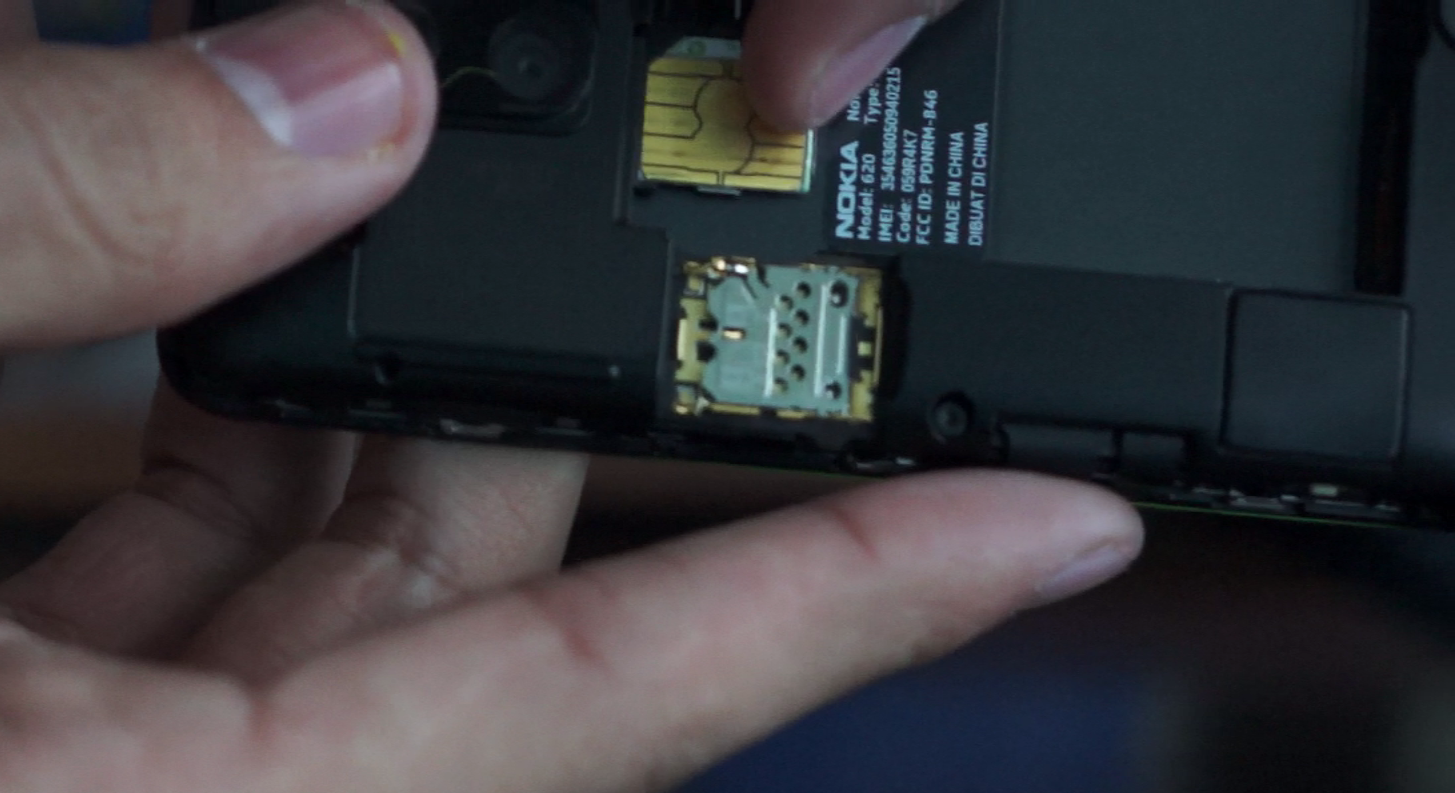 So earlier today I got my hands on the Lumia 620 (attractive little bugger); more on that soon (once my video finishes uploading); but long story short I spent about 2 minutes on camera trying to figure out how to insert the SIM and remove the back cover. So here’s a quick how to tutorial that might help you guys avoid the embarrassment I went through of having to actually read the users manual.
Basically the micro Sim slot is hidden in a pull out tray under the Micro SD port; the reason I missed this (and other probably will too) is because when you open the phone the tray isn’t securely fixed into place (since there is no battery there); so while unboxing I didn’t notice where the tray had slid out from.
Category: Lumia, Nokia, Unboxing, Video, Windows Phone

About the Author (Author Profile)
Hey, my name's Ali- Currently a fifth (and final) year Dental Student from Chicago; studying in Jordan. I love all sorts of gadgets almost as much as I love my cookies! Be sure to follow my Twitter handle @AliQudsi and Subcribe to my Youtube for the latest videos - no pressure. Thanks. Since my days as a avid Nokia blogger I've completed my studies and can be found doing Oral surgery realted stuff here!!Subscribe
If you enjoyed this article, subscribe to receive more just like it.


Connect
Connect with us on the following social media platforms.